 Loft · AI Answer Reader for iPhone
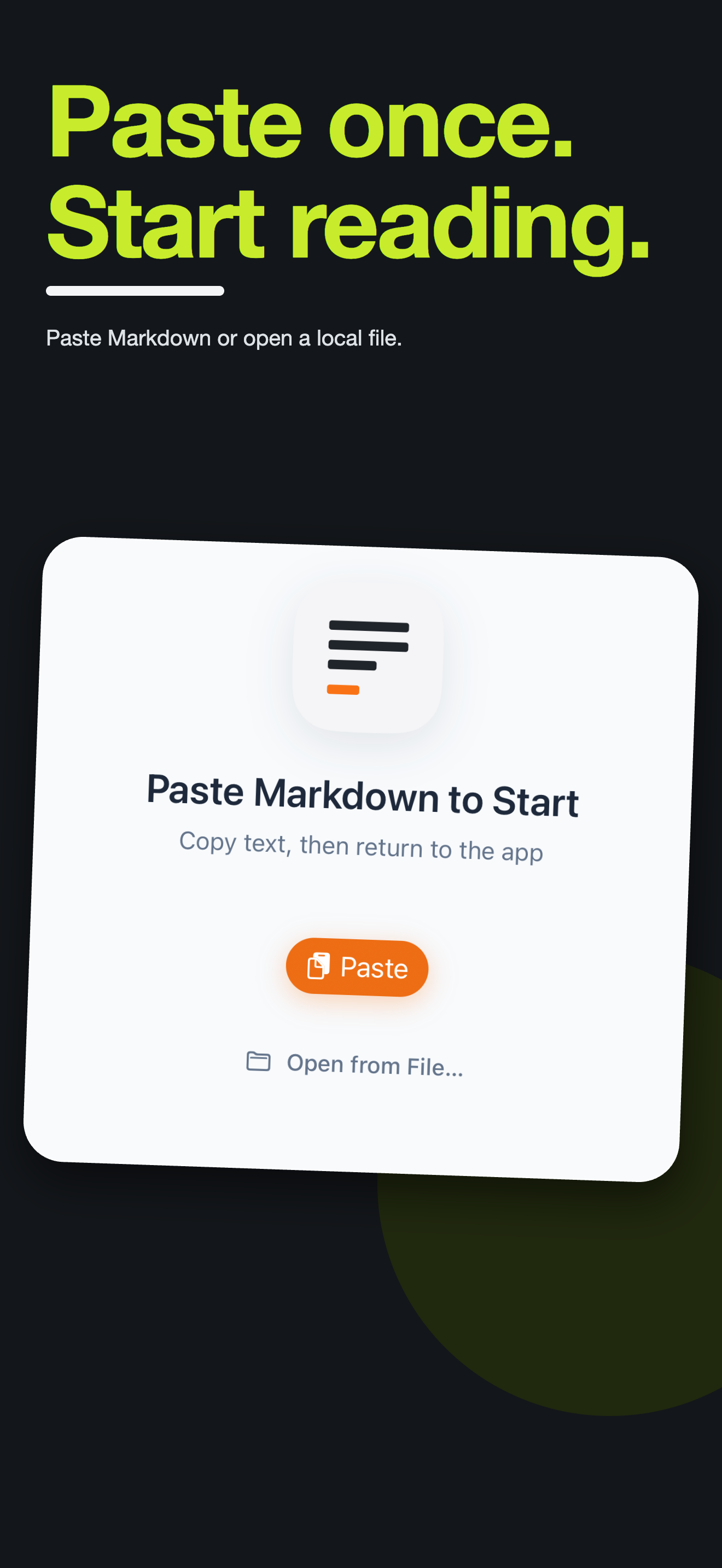
Paste Markdown. Read clearly.
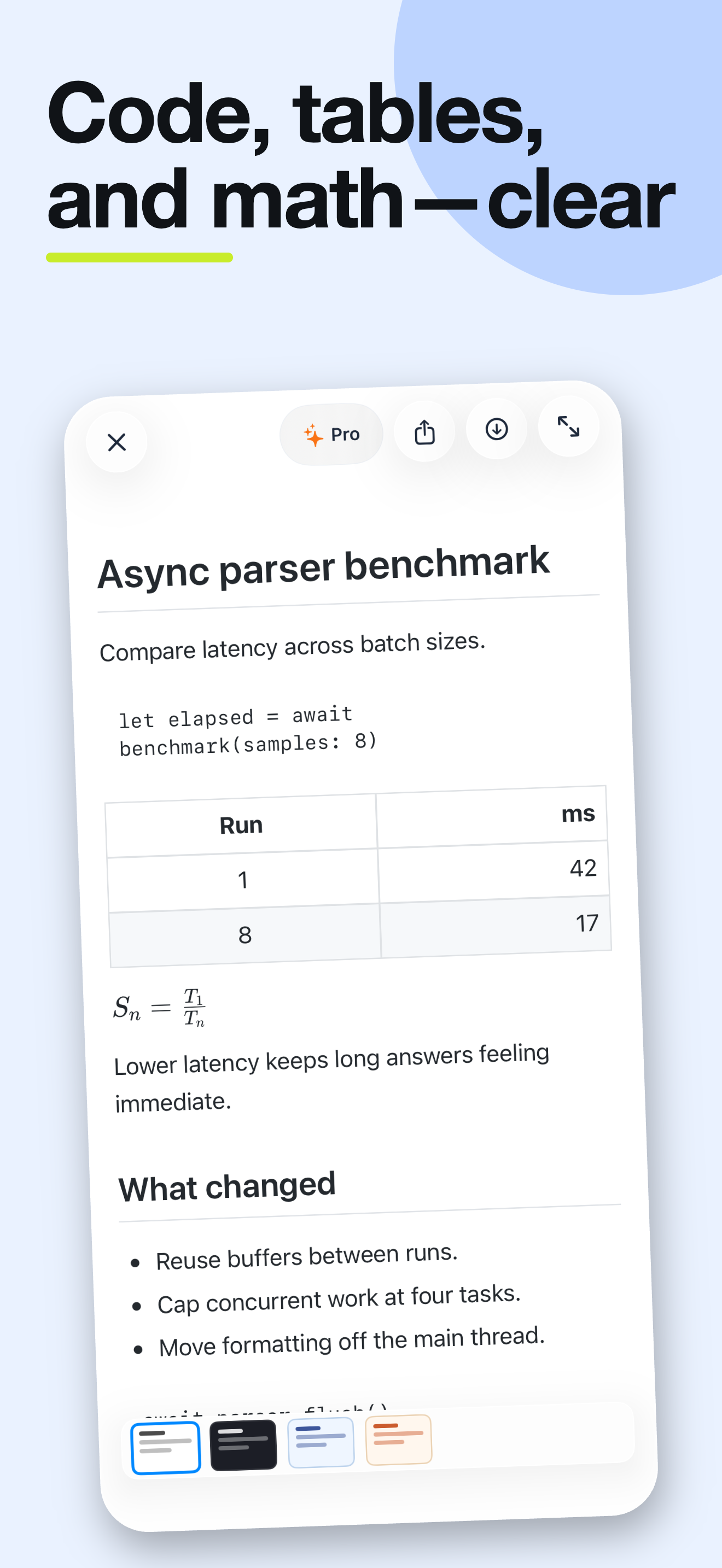
You copied an answer full of ##, **, and code fences. Loft renders it on your iPhone — headings, code, tables, LaTeX math, and Mermaid diagrams — and your text never reaches our servers.
 Requires iOS 17 or later.
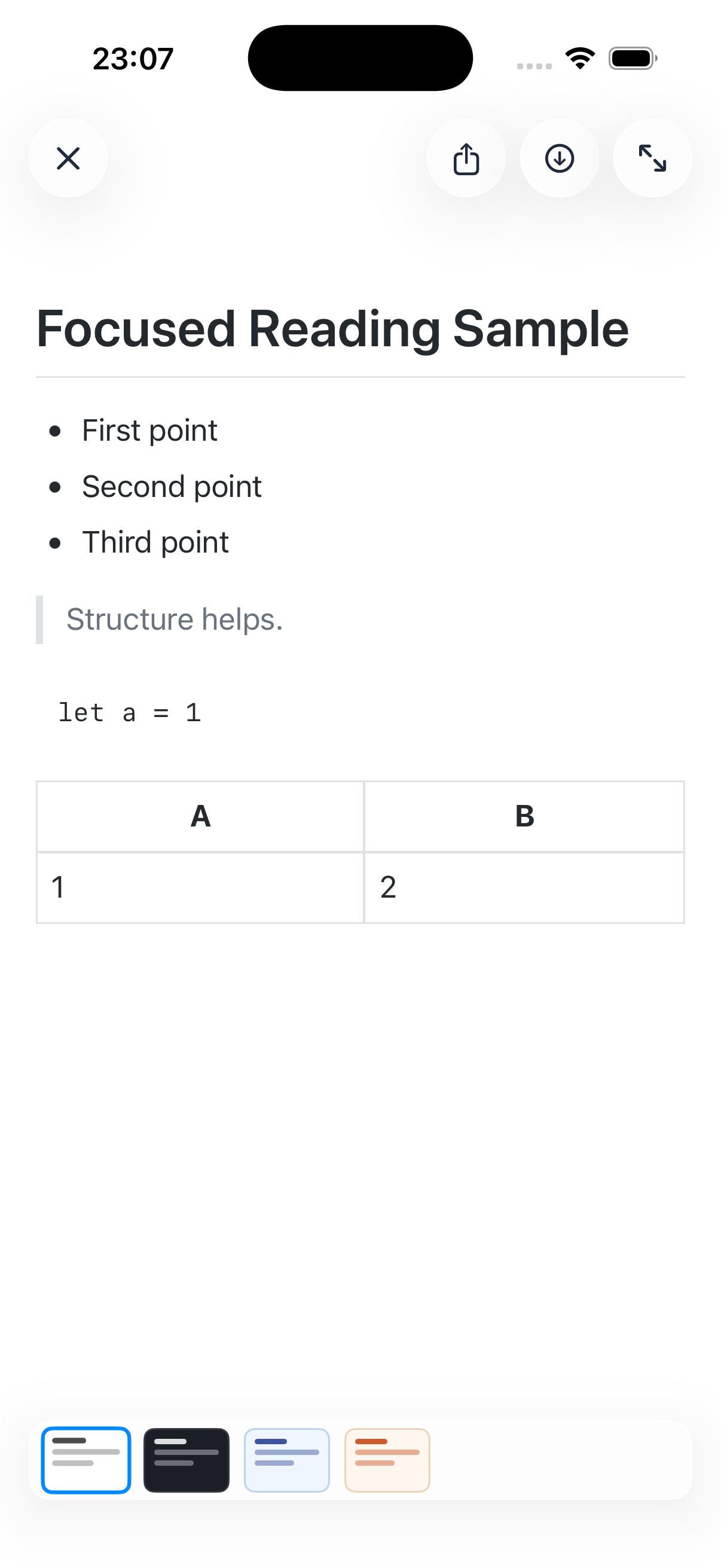
# Focused Reading Sample

- First point
- Second point
- Third point

> Structure helps.

```
let a = 1
```

| A | B |
| --- | --- |
| 1 | 2 |
This is the Markdown behind the screen shown here. Select it, copy it, and paste it into Loft.
What Loft reads
- # ## ###
- Headings and sections
- - 1.
- Bullet and numbered lists
- >
- Block quotes
- ```swift
- Syntax-highlighted code that stays readable at phone width
- | --- |
- Tables that keep their alignment
- $$ … $$
- LaTeX math
- ```mermaid
- Diagrams rendered as diagrams, not left as raw code
After the first read
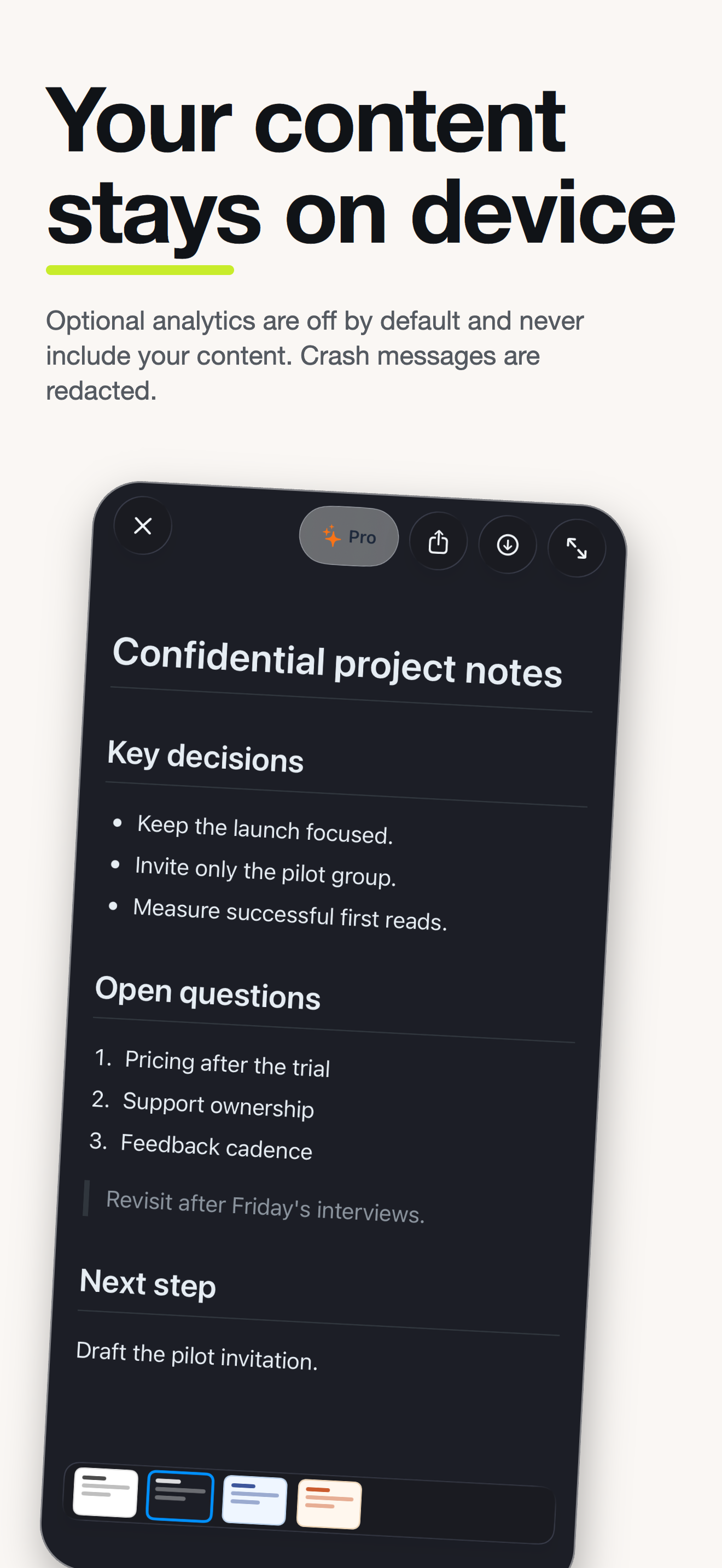
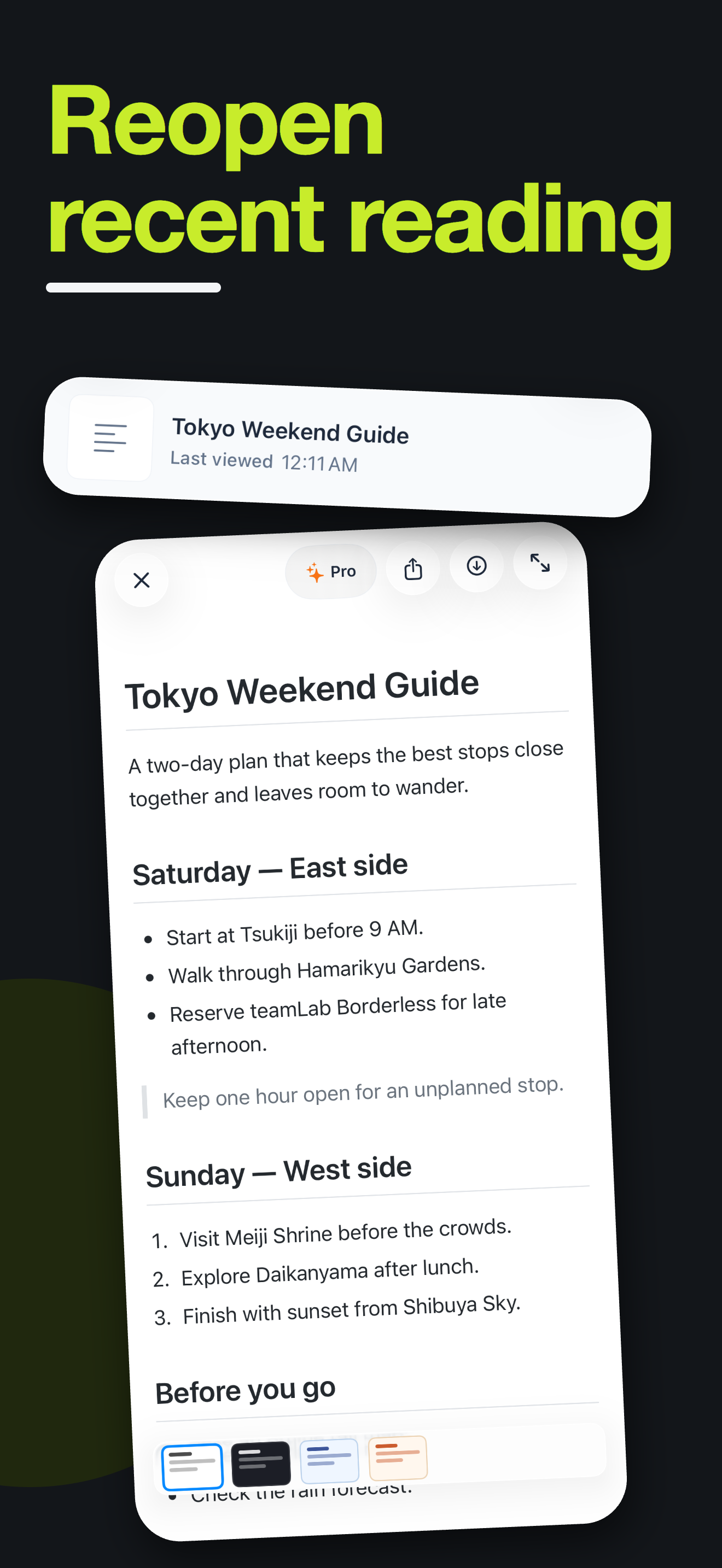
Four reading themes — Classic, Warm, Cool, and Dark. Switch without leaving the document.
Your recent documents stay on the Home screen, and the reading history stays on your device.
Open a Markdown or text file from Files — not just the clipboard.
Save, share, and Loft Pro
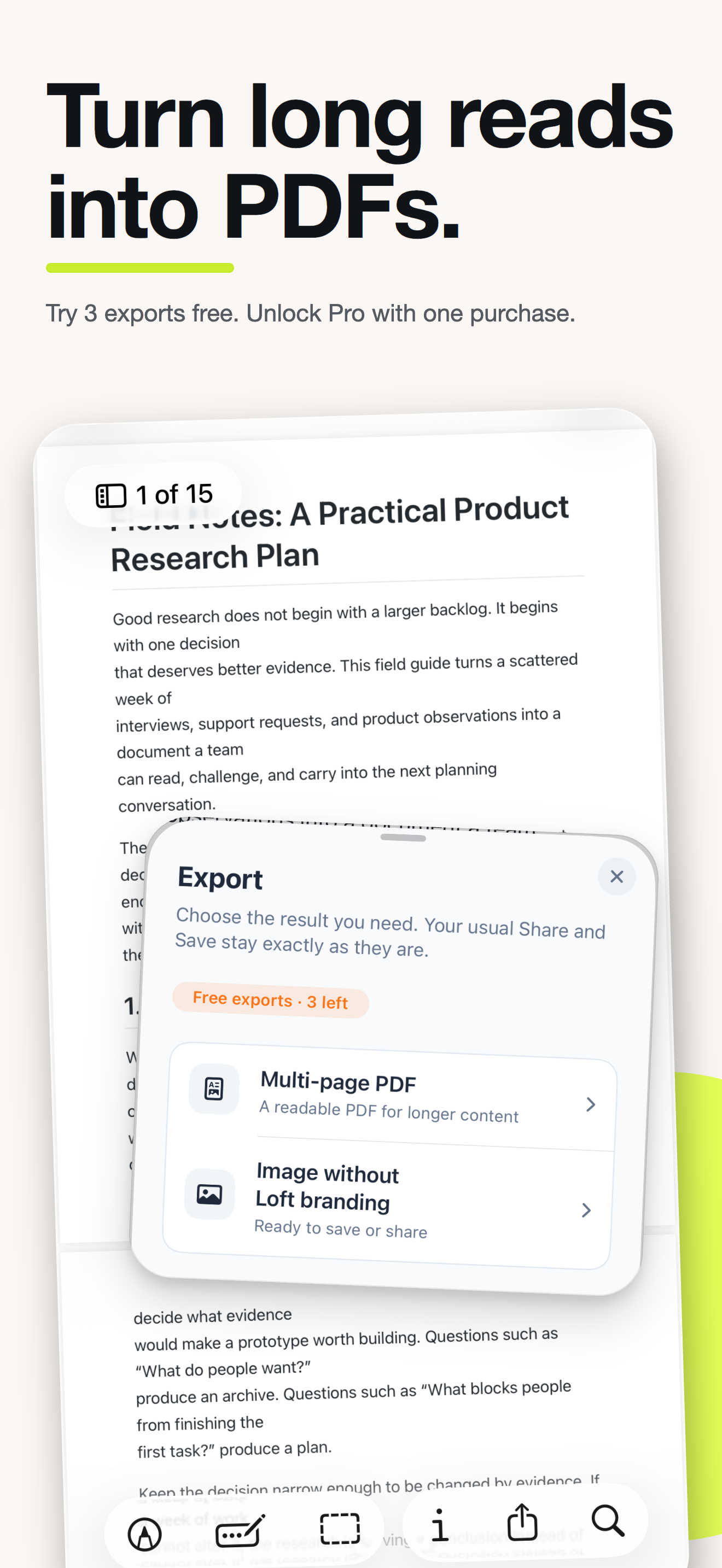
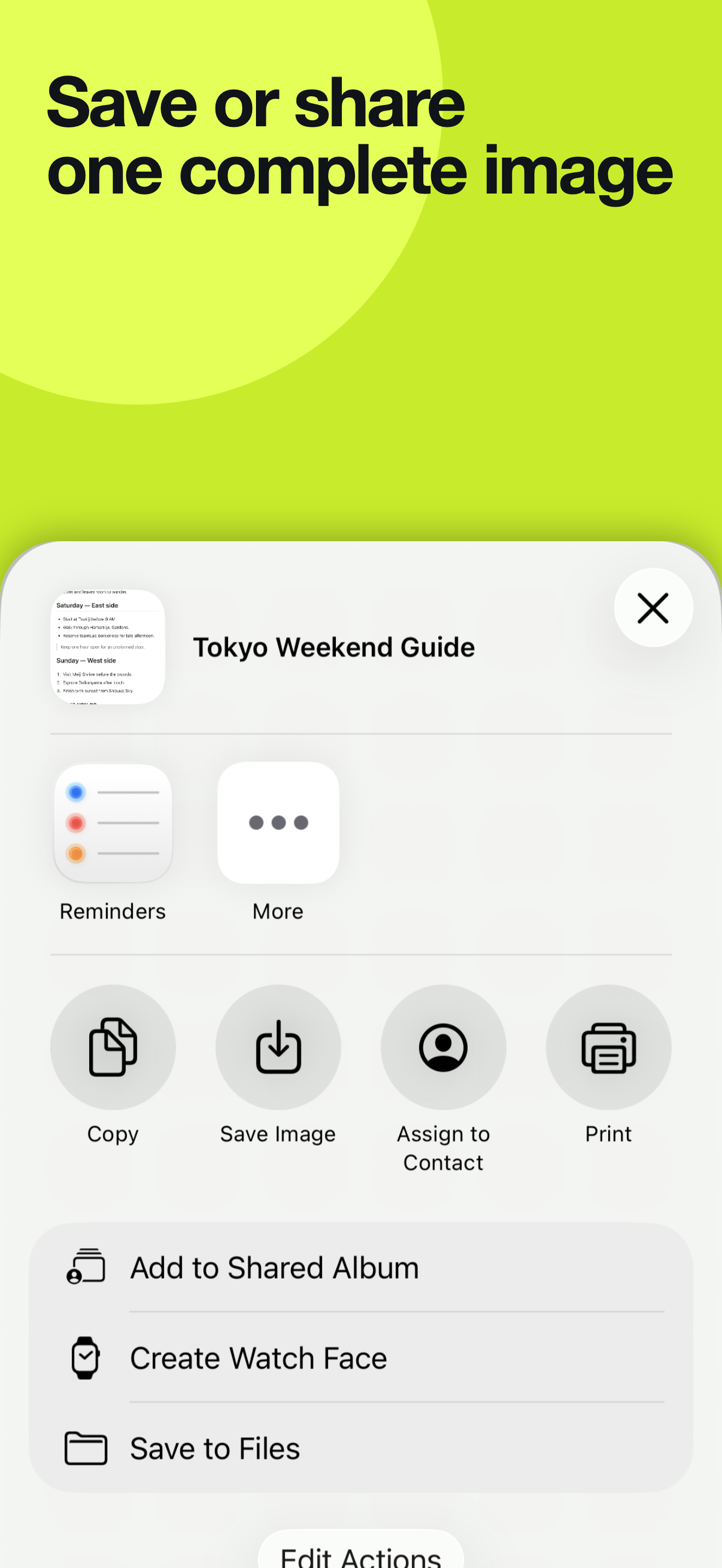
Export the full document as one high-quality image, as often as you like. Save it to Photos or send it through the iOS share sheet. Free images carry a small Loft mark.
Reading, themes, history, local files, and standard image Save/Share stay free whether or not you buy.
A multi-page PDF for long content, and images without Loft branding. Three free generations on every install, then one optional purchase — no subscription, no plans, no ads.
- Code is never cut mid-line.
- Tables break only between rows, and repeat their headers.
- Headings never sit alone at the bottom of a page.
On your device
Your text and the files you open are processed on your device. Our servers never receive your document content, and no account is required.
Optional product analytics stays off until you turn it on. It never includes your content, file names, or paths.
Loft is a reader, not an editor or AI generator. It does not generate, summarize, or rewrite your content.
Screenshots